5 AI Tools I Use as a Fractional Head of Content
There are about 4,000 "best AI tools for content" lists floating around the internet right now. Most of them were written by someone who signed up for a free trial, played around for a weekend, and hit publish. That's not this.
As a fractional head of content for enterprise SaaS clients, I'm running real content operations every week. That means tight timelines, high expectations, and no room for tools that look good in a demo but fall apart in day-to-day use.
These are the tools I use throughout the week as a fractional head of content. Some handle drafting and ideation, some handle optimization, and some are the infrastructure that keeps everything organized (and not becoming pure chaos).
This is the modern content marketing stack I’ve found to help me work smarter, not harder, and lean into AI-driven content operations. If you're figuring out where AI fits in your content workflow, especially as AI-powered search reshapes what "ranking" even means, start here.
1. Claude (Anthropic)
Claude is my primary writing partner. I’m starting to think there’s nothing it can’t do. I started with the free version but have since upgraded to the Max version. Holy crap, it is powerful.
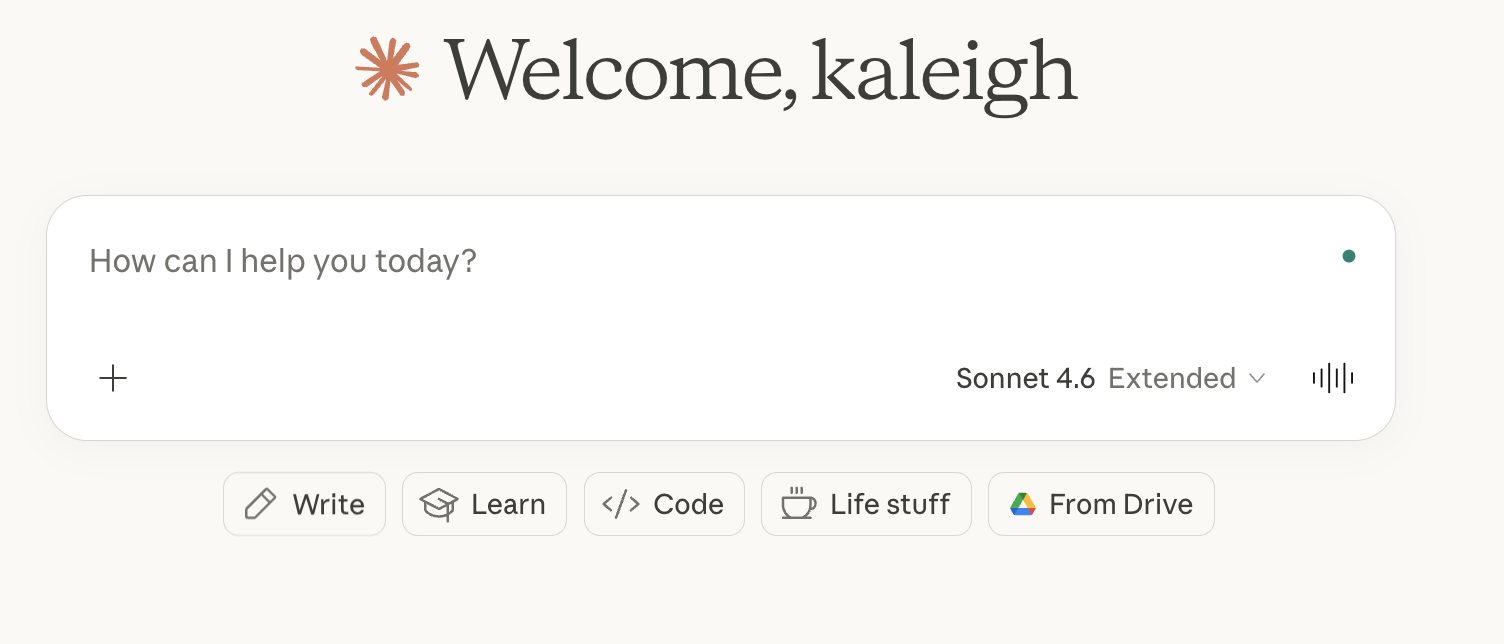
I tried ChatGPT for a few weeks, but when I switched over to Claude…and the outputs were night and day different. To me, it’s better at handling nuance, following tone direction, and producing first drafts that actually sound pretty close to something worth reading.
I use it for long-form blog content, repurposing interview transcripts, LinkedIn ghostwriting, and building briefs from research documents. The extended context window is especially useful when I'm working with long source material or multi-part content series.
My Claude workflow for drafting blog content.
Best for: Drafting, editing, tone-matching, executive ghostwriting.
2. Perplexity
Perplexity is what I use to understand how AI search actually surfaces information within AI search results (or AEO/GEO…whatever we’re calling it this week!)
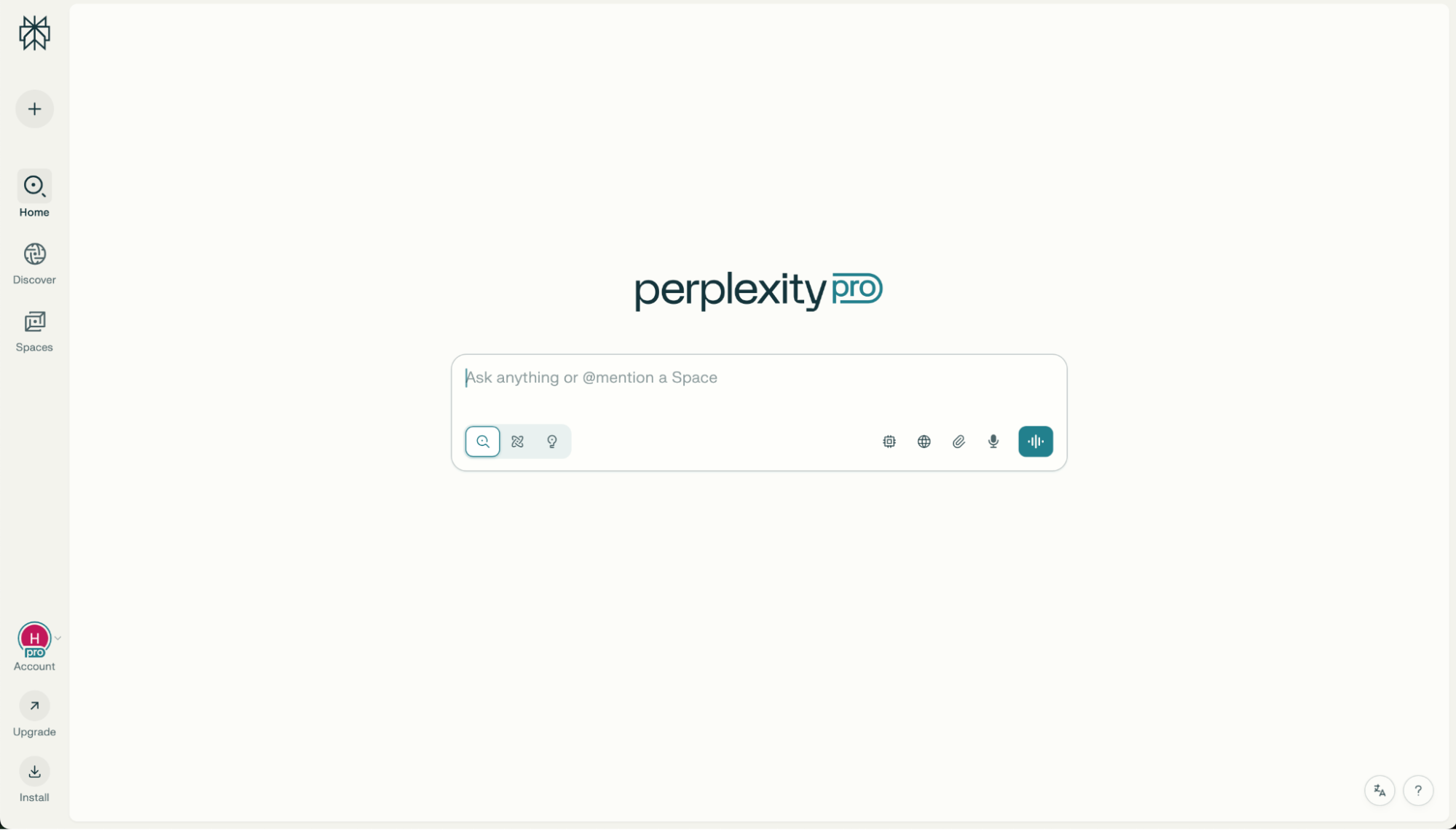
When I'm planning content for a client, I run their target topics through Perplexity to see which sources are getting cited, what formats are being pulled, and where the gaps are. It tells me what AI systems trust. In 2026, I think that matters more than what Google ranks.
I also use it for fast competitive research, sourcing recent data, and fact-checking before anything goes live. I think it’s important to remember, though, that mastering AI search is not a science, and all this reverse-engineering is our best bet for getting surfaced in AI summaries. We do our best with what we can find and keep trying to optimize for what works!
Best for: AEO gap analysis, source research, real-time fact-checking.
3. AirOps
AirOps is where content operations get serious. It lets you build repeatable, AI-powered workflows without writing a single line of code. I did their free “foundations” course, and found it to be very accessible with bite-sized video lessons that walked me through how to start using the tool (without being too overwhelming).
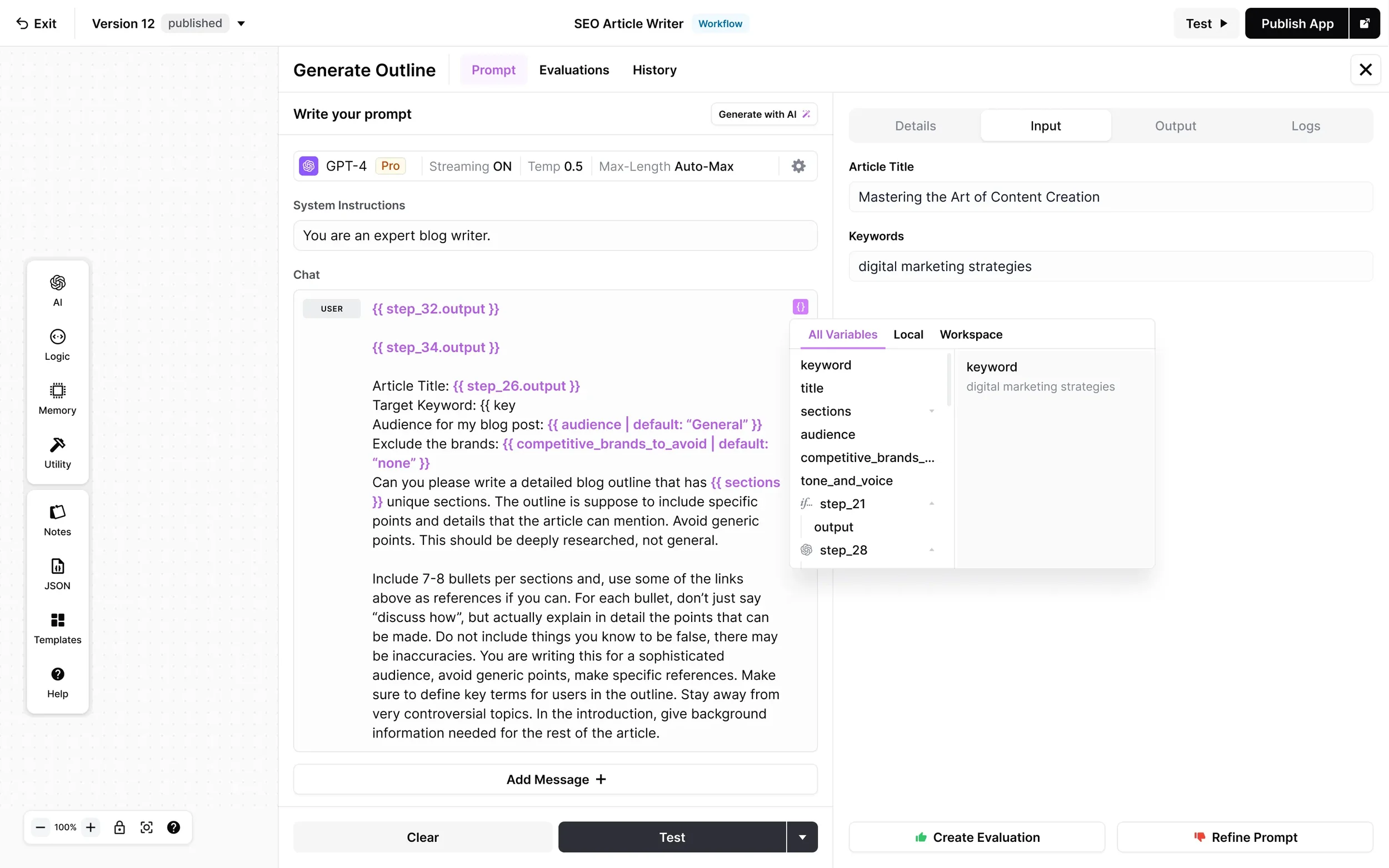
This tool is great if you’re working to automate the time-consuming parts of content production without losing the editorial judgment that makes it very high-quality.
I use it to automate the tedious parts of content production, AKA things like bulk metadata generation, SEO refresh workflows, and audience-specific variations for pieces like bottom-of-funnel content. Does it sometimes make me feel like a developer-slash-data-scientist? Yes, yes it does.
This tool is ideal for content teams working on high-volume content, and it serves as the infrastructure layer that keeps everything working at scale without going sideways.
Best for: Workflow automation, bulk production pipelines, team-wide AI standardization.
4. Clearscope
Clearscope is still the most reliable tool I've found for making sure content covers a topic thoroughly enough to compete. It analyzes top-ranking pages and surfaces the terms, subtopics, and related concepts your content needs to include in order to (hopefully) surface within AI search results.
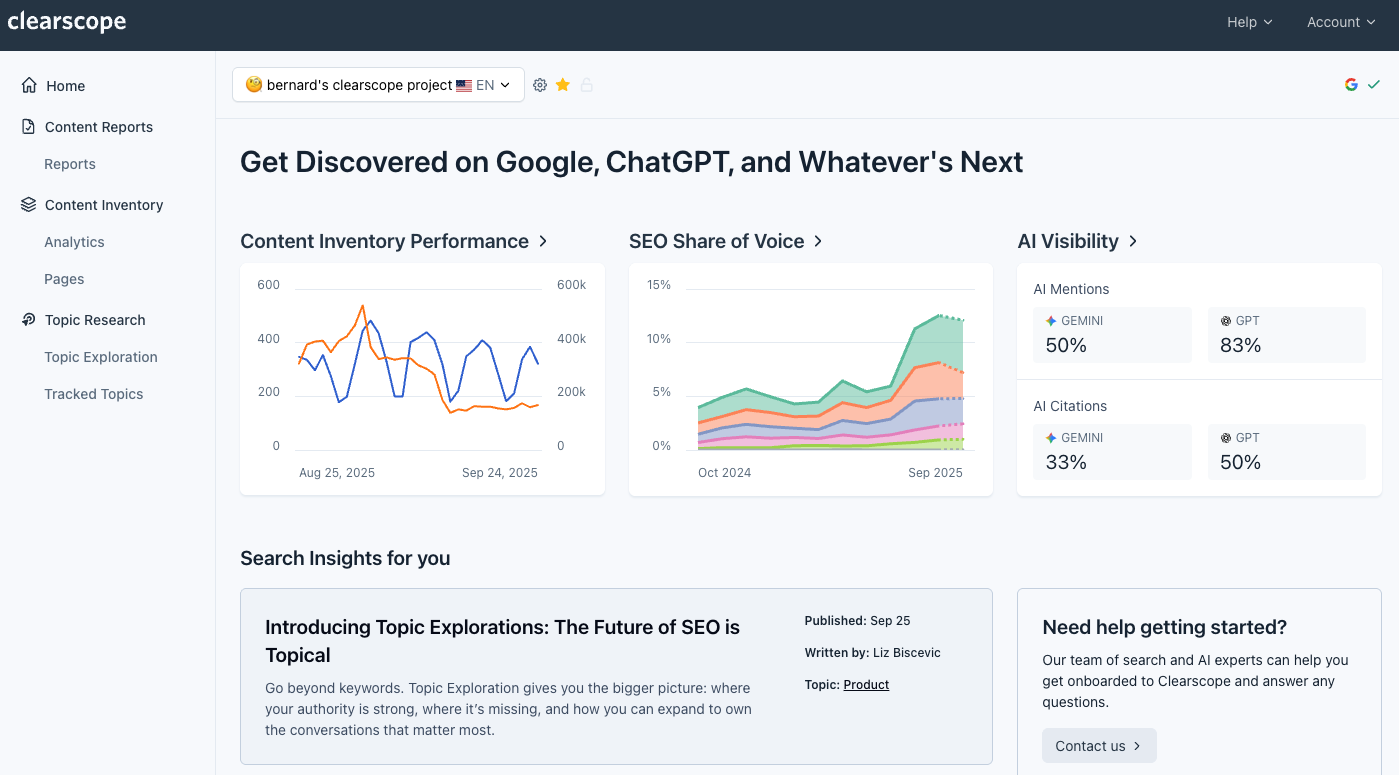
I really like the content grade system as a quick gut-check on ranking potential, and the keyword recommendations are grounded in real SERP data. The best part? It plugs directly into Google Docs, which removes friction from the editorial workflow. (Bless!!)
I use it for both new content and for auditing posts that have slipped in rankings. It's consistently one of the first tools I recommend to clients who are serious about on-page SEO.
Best for: On-page SEO optimization, semantic keyword coverage, and content grading.
5. Surfer SEO
Surfer does something Clearscope doesn't: it analyzes the structural and quantitative factors of top-ranking pages alongside keyword optimization. It also is nostalgic for me because it reminds me of the old days of running content through Yoast within WordPress for an SEO score (yes, I’ve been doing this a long, long time.)
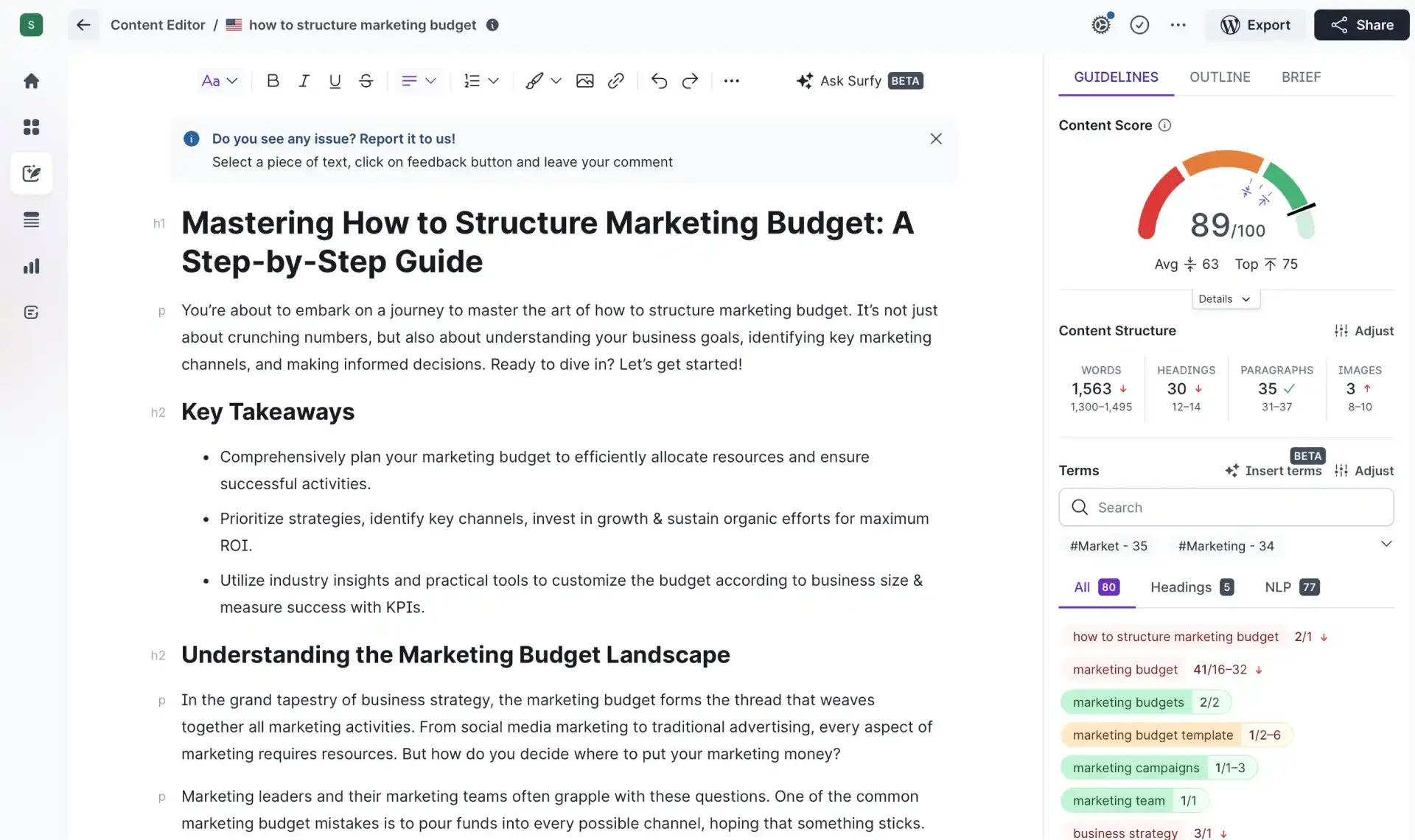
That means you get guidance on word count benchmarks, heading structure, paragraph count, and NLP-driven keyword usage all in one place. The Content Editor is what I use during active drafting. The Audit feature is what I reach for when a client wants to know why a page that used to perform well has lost ground.
If you're doing any kind of SEO-driven content production, you want both of these in your stack. They serve slightly different purposes, and they're worth the overlap.
Best for: SERP structure analysis, content auditing, and data-driven drafting.
The best AI tools for content marketing depend on your needs
Closing thought here: None of these tools replace editorial judgment. What they do is reduce the time it takes to turn a brief into a polished, optimized piece of content, and support your work with as much data as you can to try to achieve AI search success.
AI-generated answers pull from a different set of signals than traditional organic rankings, and as a result, content strategies that ignore that are already falling behind. The tools in this list are the ones helping me keep clients ahead of that shift, not just maintaining what worked in 2023.
Test them against real projects. Not demos. And keep a strong editorial layer in place, because that's still what separates content worth reading from content that just exists.